 Allowance
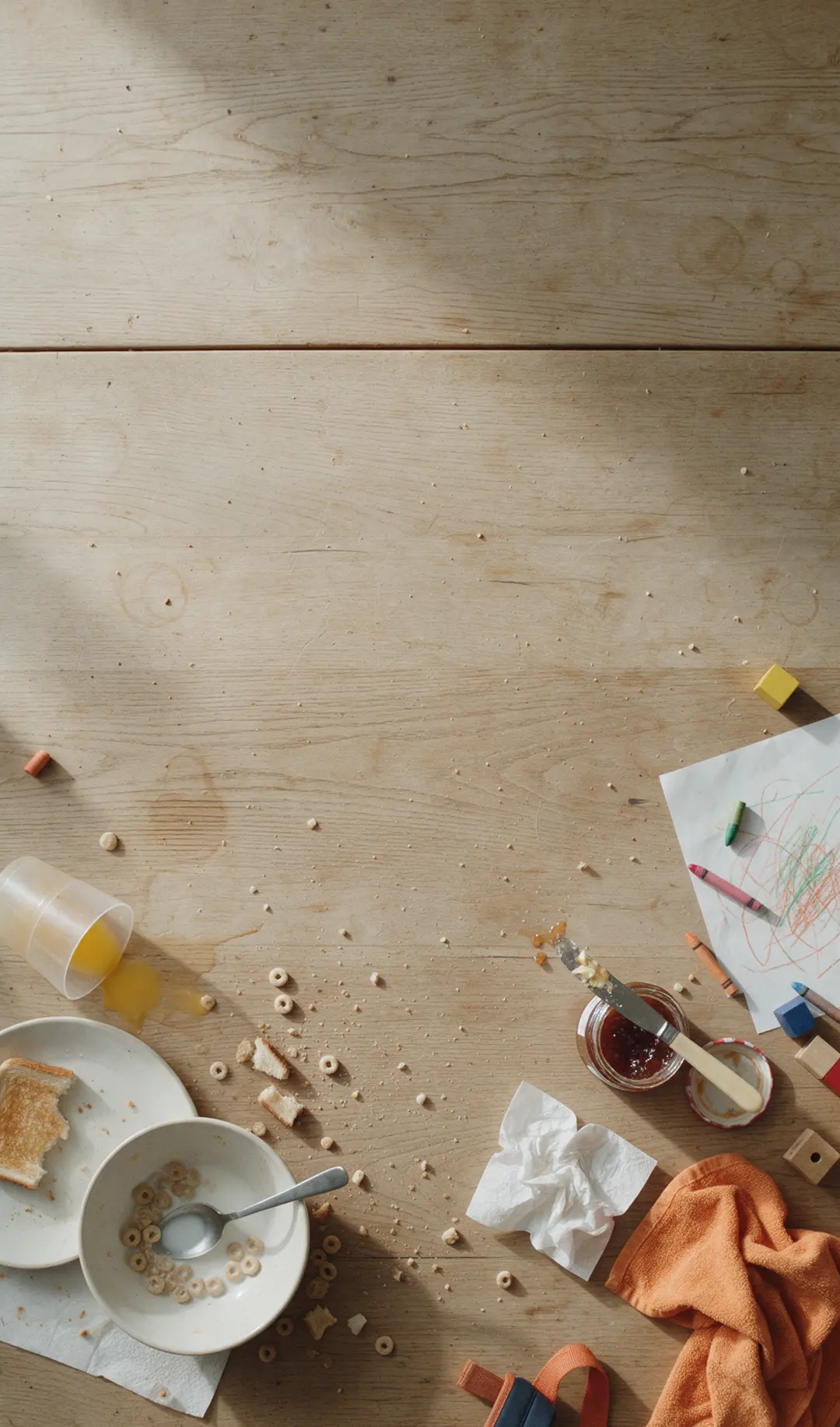


Behind this text is a photograph of a family kitchen table seen from above, with a phone lying on it. As you scroll, the messy Monday breakfast table is wiped completely clear, stays clear for the rest of the week, and the phone shows each step in the app.
Chores done, seen, and earned.
Use everyday chores to practice life skills with your kids. They do the work, you approve it, they earn it.
Monday
You set the week once.
Pick the chores, the days and the allowance. That is the whole setup.
Then the work is theirs.
The list lives on their phone, so the reminding does not have to live with you.
They show you it is done.
One photo, taken when the job is finished.
And you get to notice.
Not a crumb left. Thanks.
Approve it with a few words of your own. Monday is earned.
Tuesday
Day by day, it adds up.
A day is earned once its chores are approved. The table gets used, then cleared again.
Saturday
Six days, seen through.
Payday is tomorrow. Scroll back up and the week undoes itself.
How it works.
You set the week.
Pick the chores, the days they are due and the allowance. You do this once.
They do the work and show you.
When a chore is finished, your kid takes one photo in the app and sends it to you.
You approve it, and it counts.
Approve it with a note of your own, or send it back with a reason. On payday you hand over what they earned.
Four plain promises.
Allowance helps you use everyday chores to practice life skills with your kids: they do the work and show the proof, you see and approve it, and they earn their allowance.
- No ads.
- Nothing in the app is trying to sell your family anything.
- No selling your data.
- What your family puts in is used to run the app for your family.
- No money moves.
- You hand over the allowance yourself. The app keeps the record.
- Kids join through you.
- A child's account is created or approved by a parent.
The detail, including where chore photos are kept and who can see them, is in the privacy policy.
Common questions.
Something we missed? Write to us at allowance@outthemudworkshops.com.
What ages is it for?
There is no set age. If your kid can follow a short list and take a photo, the app will work for them. You decide when they are ready, and you create or approve their account.
Does it cost anything?
No. Allowance is free to download, with no ads and no in-app purchases.
Is it on iPhone?
Not yet. Allowance is Android only for now, so each person who uses it needs an Android device.
Does real money go through the app?
No. The app keeps count of what has been earned and records when you mark it paid. You hand over the allowance yourself, however your family does it.
Can both parents use it, and more than one kid?
Yes. A family can have more than one parent and more than one kid, each signed in to their own account.
Who sees the chore photos?
The people in your family, in the app. Where photos are kept is covered in the privacy policy.
How do I delete our account?
From inside the app, or by email. The steps are on the delete account page.

Sunday
Payday.
A clear table, a week they saw through, and an allowance they earned.